Jobsite Awards · Free resources
Construction Safety Awards planning tools
Jobsite Awards has thirteen free planning tools for construction teams. They count crew awards, safety recognition pieces and equipment tags, check whether a long project title fits a line and draft dedication wording. Two of them turn a handover or ceremony date into the latest day a proof can be signed. All of them calculate from numbers you enter.
Crew appreciation, milestone displays and equipment labels should have separate approval owners. Use actual project records for public achievement wording. A permanent dedication also needs an agreed installation location and mounting detail, while personal awards need names and presentation grouping.
calculator
Quantity Calculator
Count the pieces a closeout order needs once every crew member, shared dedication plaque and spare has been entered on its own line.
calculator
Budget Estimator
Add up a recognition budget for a project from numbers already in hand: quantity, unit cost from your quote, setup, shipping and tax.
checker
Engraving Text Length Checker
Paste a dedication or award inscription and get a character count for each line, so an overlong project title is caught before the proof.
calculator
Shipping & Timeline Estimator
Count back from the day the box must be at the site office or head office to the latest dispatch date, using figures from your quote.
checker
Material Comparison Tool
Set two material directions side by side, such as walnut against satin metal, and see which specifications to confirm before choosing.
planner
Production Timeline Planner
Lay out each stage of a recognition order in reverse from the arrival date, so the project team knows when the proof must be signed.
generator
Engraving Wording Generator
Turn a recipient, a recognition theme and a year into editable inscription drafts for a personal crew or safety award.
planner
Event Award Planning Checklist
Work through a checklist of planning steps before a dedication or crew event, ticking each one off while the page is open.
planner
Employee Recognition Program Planner
List each recognition category on its own row with groups and pieces per group, and get a total for a contractor's yearly program.
generator
Award Title Generator
Enter a team or recipient and a recognition theme to get naming ideas for an award a contractor presents every year.
generator
Plaque Wording Generator
Turn a project title, a verified milestone and a date into dedication drafts for a wall plaque, ready to edit and check.
calculator
Safety Milestone Award Calculator
Work out how many safety recognition pieces a program needs across its occasions, plus site display pieces and any spares you add.
calculator
Bulk Panel Tag & Label Calculator
Total a run of equipment tags from one row per tag type, with groups, pieces per group and spares counted separately.
A useful order plan, in three decisions
Step 1
Count the actual pieces
Start with the recipients, positions or physical units in your order. Distinguish shared pieces from personal ones, and count packaging separately. Use the quantity tool to reconcile the inventory before discussing a product price.
Open the toolStep 2
Prepare the words and design
Choose the material direction around the intended use. Check exact names and identifiers, then use the text counter to edit line lengths. The final proof needs the product dimensions, artwork and approved wording together.
Open the toolStep 3
Review cost and timing
Enter current quoted costs into the budget tool and confirmed stage durations into the timeline. Keep unknown amounts or dates visible in your brief. The calculation helps you evaluate a proposal; it does not reserve production or purchase shipping.
Open the toolDetails to retain for your order: Approved milestone, project title, crew roster and display location.
Choose the pieces your plan describes
Use these designs to discuss the physical format, personalization and intended use. The images are original AI-generated concepts; final dimensions, material and construction are developed in the quote and proof.
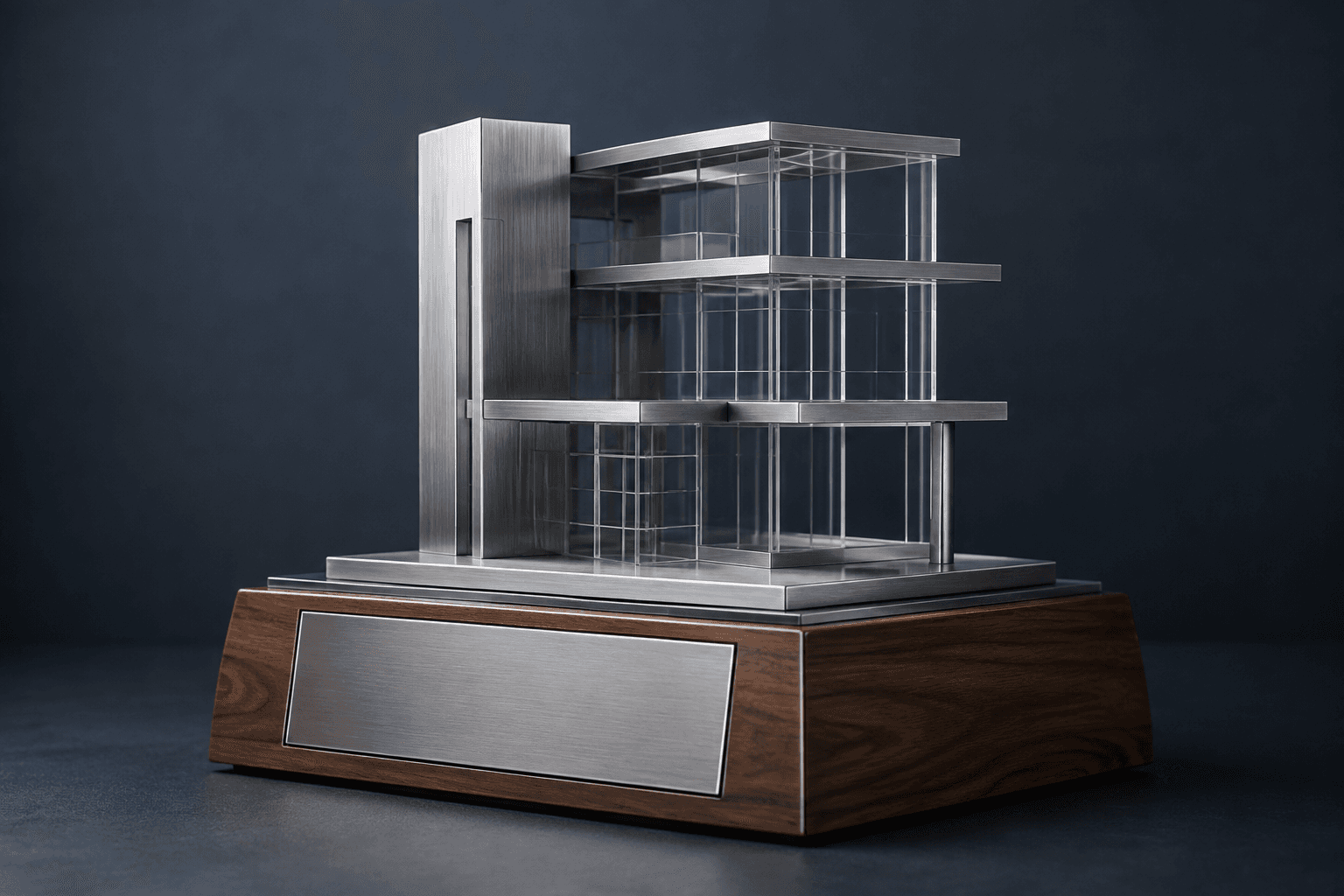
Design concept · Satin metal, acrylic and hardwood
Project Completion Plaque in Satin Metal, Acrylic & Hardwood
Choose the event the piece records: handover, completion, opening or a team achievement. Those dates can differ, so keep the main inscription precise and use a short message to recognize the crew's contribution.
Explore the design and personalization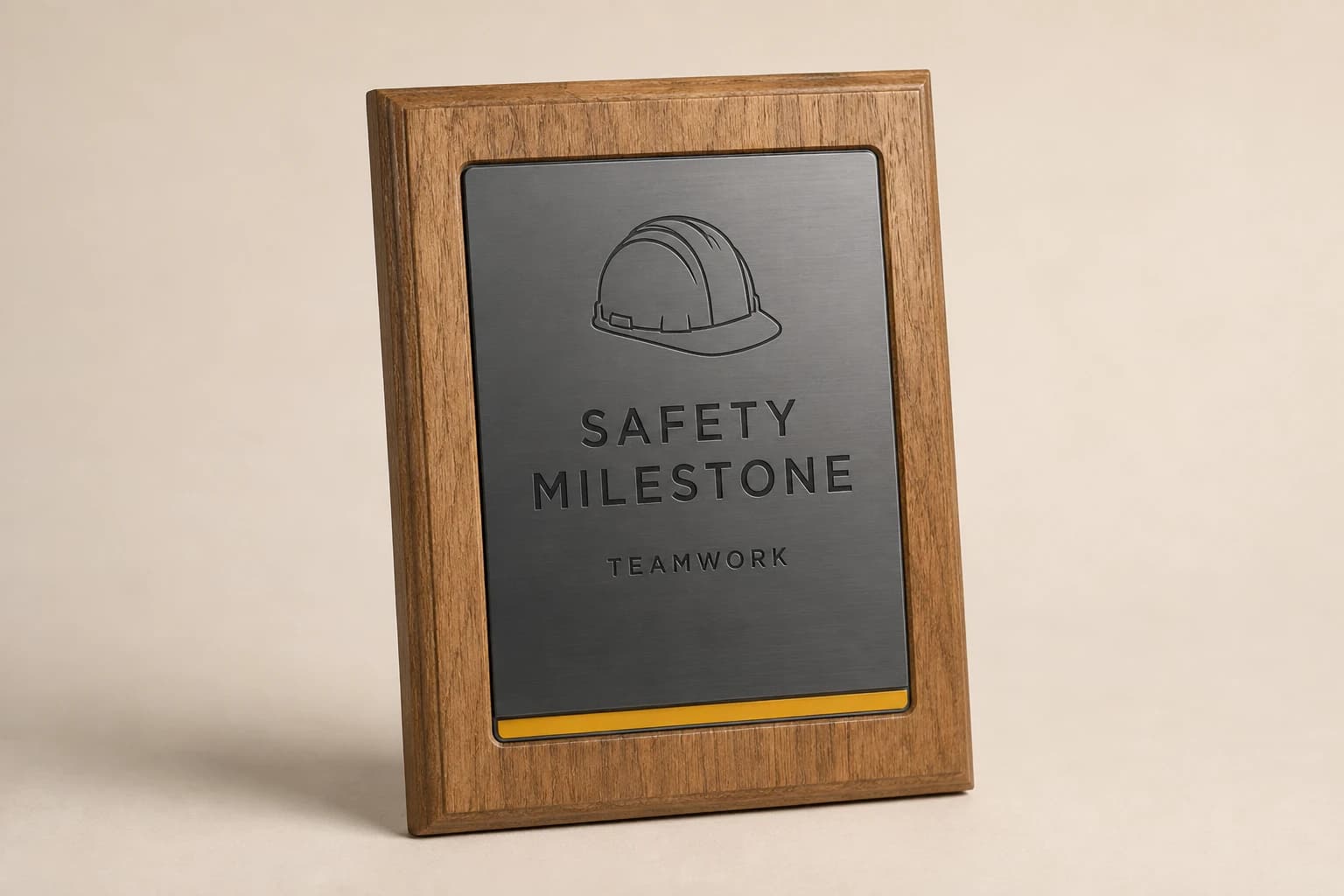
Design concept · Wood or project-specified metal
Safety Milestone Plaque
Use the metric approved by the responsible safety team, including the period or cutoff date. A recognition plaque should reproduce the actual record without turning it into a certification or a promise about future performance.
Explore the design and personalization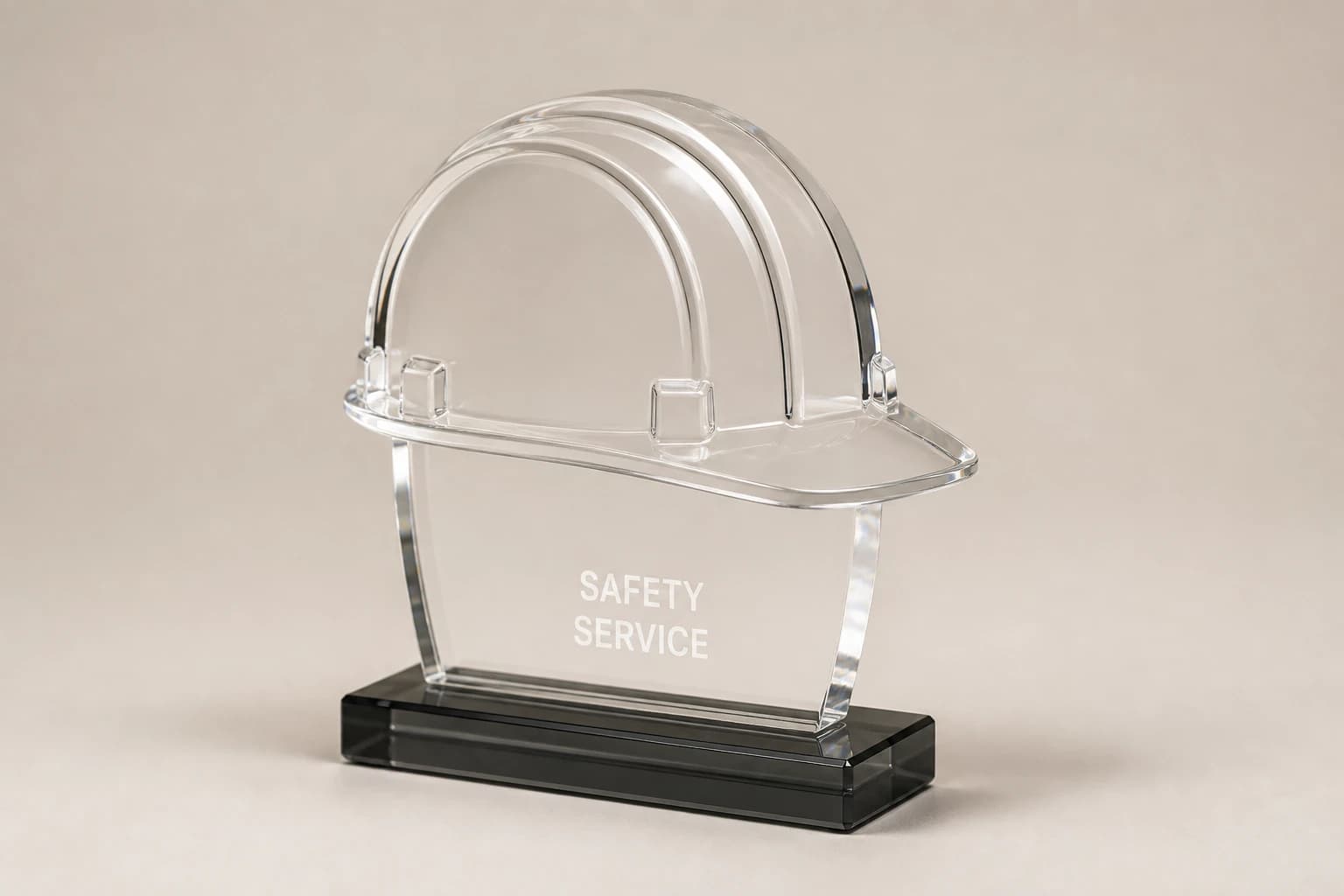
Design concept · Clear acrylic
Hard Hat Style Safety Award
Choose the exact contribution being celebrated, such as training support or team leadership. The decorative hard hat represents the work; it is not protective equipment or proof of a safety qualification.
Explore the design and personalization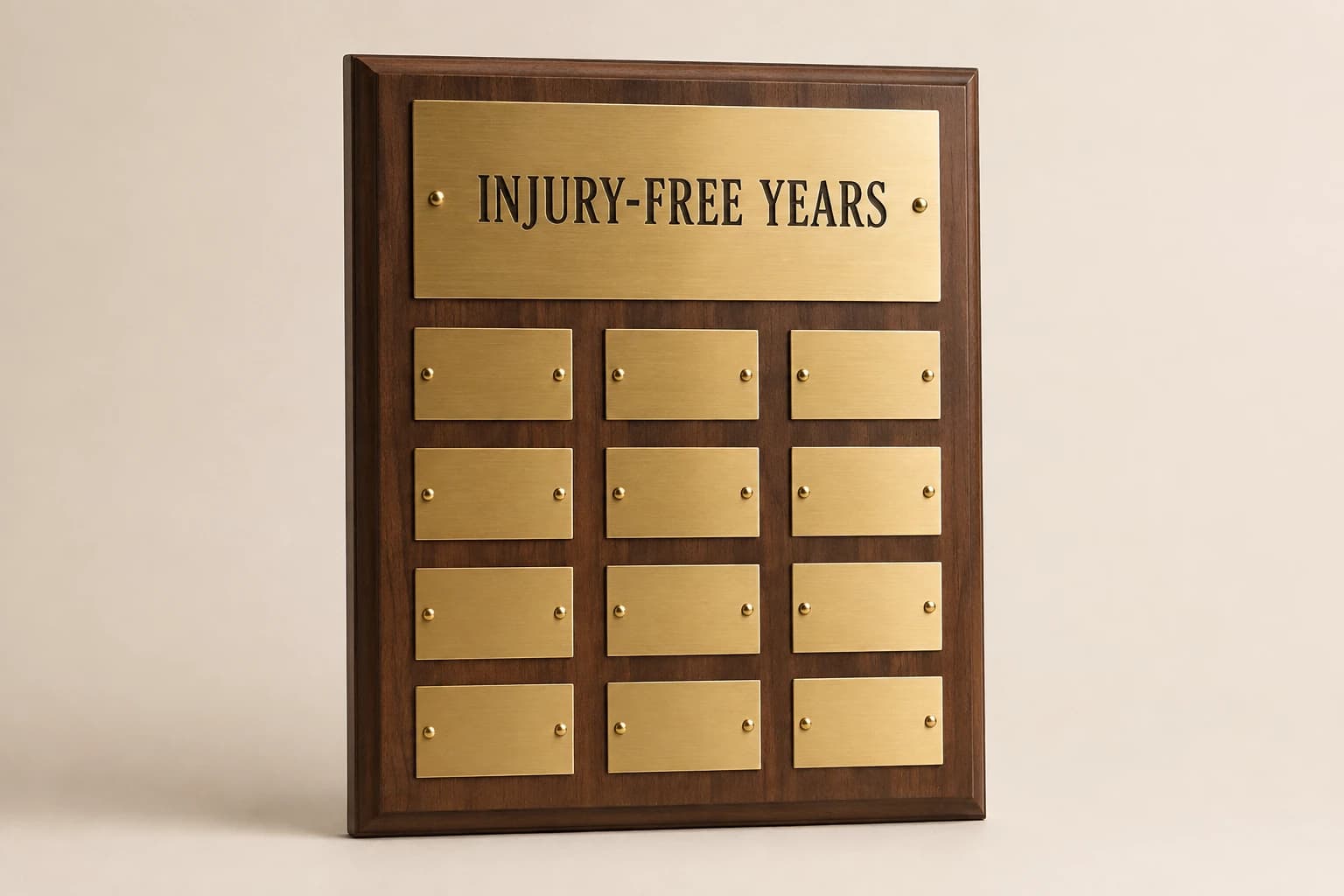
Design concept · Walnut with metal plates
Years Injury-Free Perpetual Plaque
Confirm the metric and record with the safety lead before engraving any injury-free claim. Decide whether entries represent calendar years, projects or another period so the board does not mix unlike measures under one heading.
Explore the design and personalization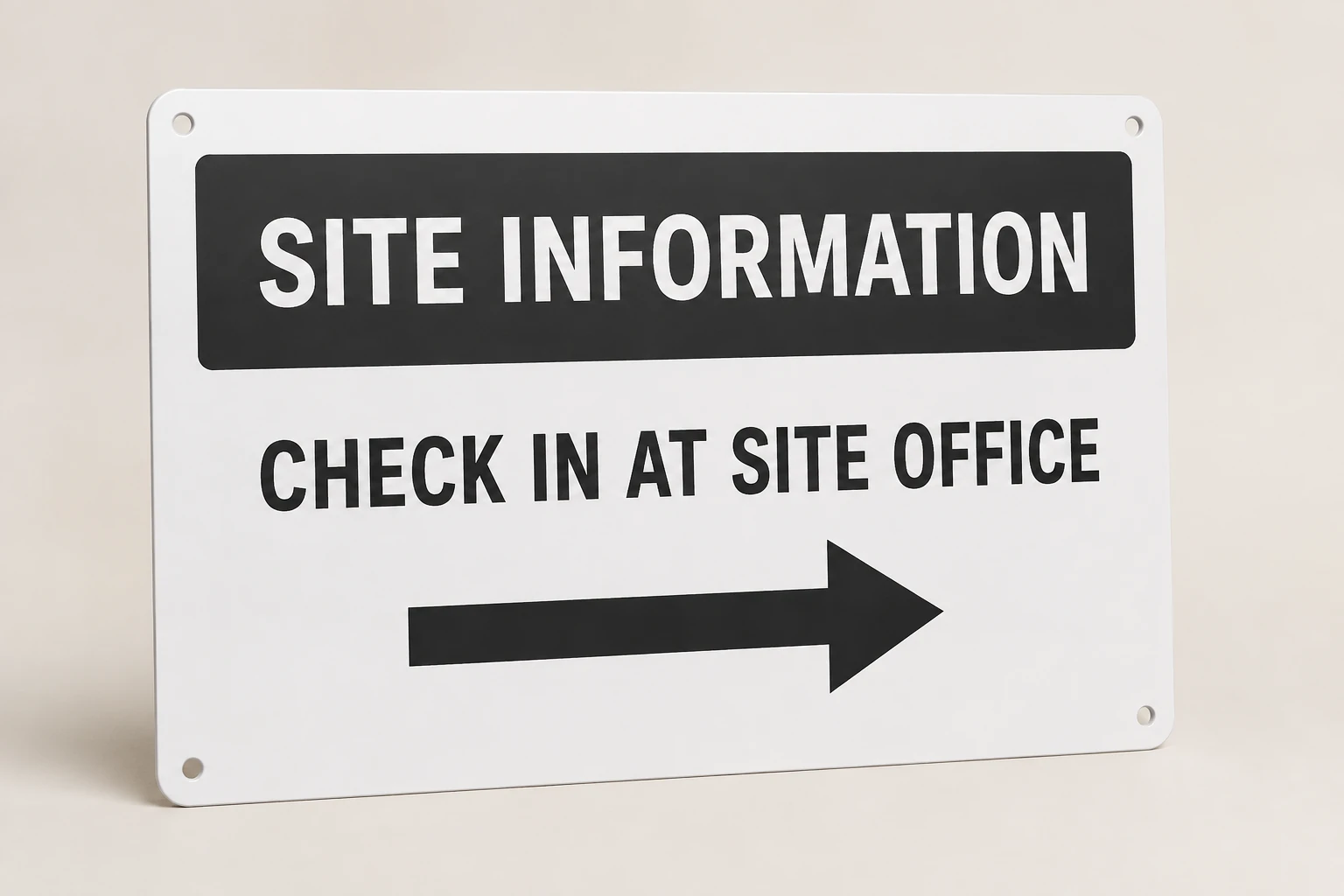
Design concept · Aluminum or a project-specified composite
Jobsite Safety Sign
Supply the wording and symbols approved for the site rather than treating a decorative layout as a compliance specification. State viewing distance, exposure and mounting conditions so the proposed sign can be designed around its use.
Explore the design and personalizationFrom planning result to a useful quote request
The calculators run in your browser. Where a tool offers a quote button, choosing it saves the result as a draft for this brand in the same browser tab. Review the message on the quote page and add the product, material, dimensions, destination and required date. The draft is sent only when you submit the contact form.
Worked examples explain the arithmetic and wording choices. They use sample details and do not represent completed customer orders. Keep your actual names and identifiers in your approved source file, and ask for written confirmation of the final design, price and delivery plan before production.
Which buying guide should you read next?
All buying guidesCoordinate the purchase while keeping recognition awards and equipment identifiers in separate technical, wording and receiving workflows.
Name the actual project milestone before writing a dedication, so a groundbreaking tribute does not imply that construction is complete.
Keep ceremonial recognition and operational identification on separate schedules. Approve the actual milestone wording for awards, and use the responsible team's drawings for equipment labels. Then organize packing by ceremony, site or installation group so the right pieces reach the right people.
Keep an unconfirmed dedication date as a controlled hold, with an approved date-free alternative ready before the project schedule changes.
Jobsite Awards quote
Send your construction safety award plan for pricing
For construction safety awards, Jobsite Awards prices from the design, people and pieces, tags and signs, wording, logos, mounting and arrival. Paste the planning result into the message.